v1.0.7
What's new
Install from the ISO
Without the game's files, the app lists the ISOs on the console and on USB drives and extracts the one you pick. Then the game starts on its own.
Extracted in ~1 minute
With etaHEN or elfldr running (port 9021), the extraction runs at the SSD's full speed: 12 GB in about a minute.
New screens
Trophies, "Help keep me active" and donors, on the Ghost Recon skull and animated. Earned trophies come first.
Fewer stutters
3595 shaders and 2928 pipelines precompiled in the package, and the other consoles' cache downloaded before the game loads.
Step by step
How to install
-
Copy the app to the PS5
Unzip it and copy the
PPSA95210folder to the PS5's/data/homebrew/over FTP (or install it from the RecompStore). -
Add the game's ISO
Copy the
.isoof your own Xbox 360 copy of Ghost Recon: Future Soldier to/data/, to/data/homebrew/PPSA95210/or to the root of a USB drive.Start etaHEN or elfldr before opening the game: with a payload loader, the extraction takes about a minute. Without one, the PS5 throttles the app's writes and it takes much longer. -
Open the game and extract
On the skull screen, pick the ISO and press X. The files go to
assets/and the game starts. You can delete the ISO afterwards.
Rather extract the ISO on a PC?
Extract the ISO (with extract-xiso, for example) and copy all of it to /data/homebrew/PPSA95210/assets/, with default.xex in lowercase. The game then starts without the ISO screen.
Updating from v1.0.6
Replace eboot.bin, the shaders/ folder and LEIA-ME.txt in PPSA95210/. Your saves and progress stay.
Multiplayer
In Multiplayer → Connection: Local Network (same network) or Online (VPS), over the internet through the project's server. Class progress is kept on the server by console ID. Guerrilla has 2-player split screen.
Running on the PS5
Screenshots
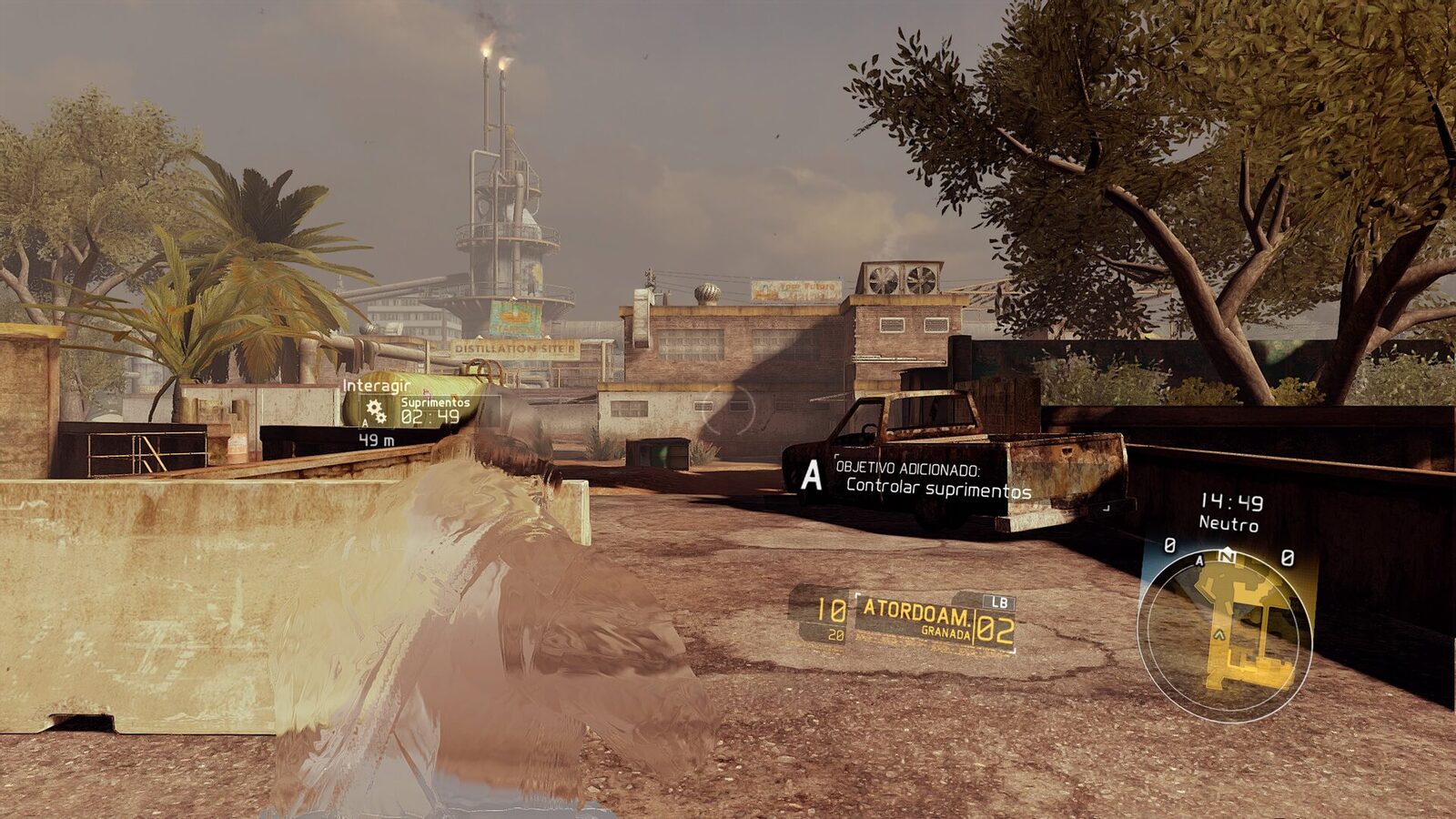
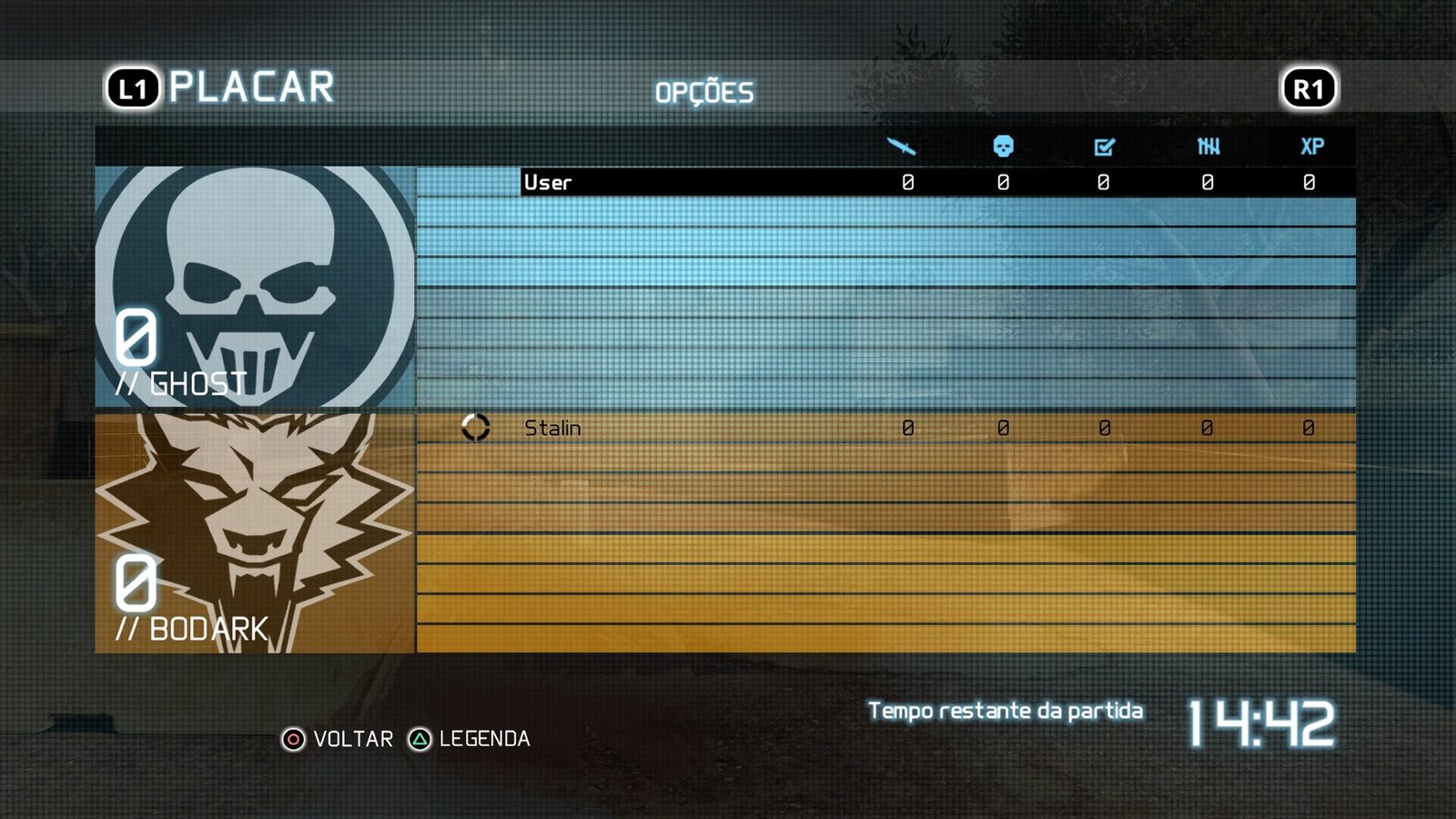
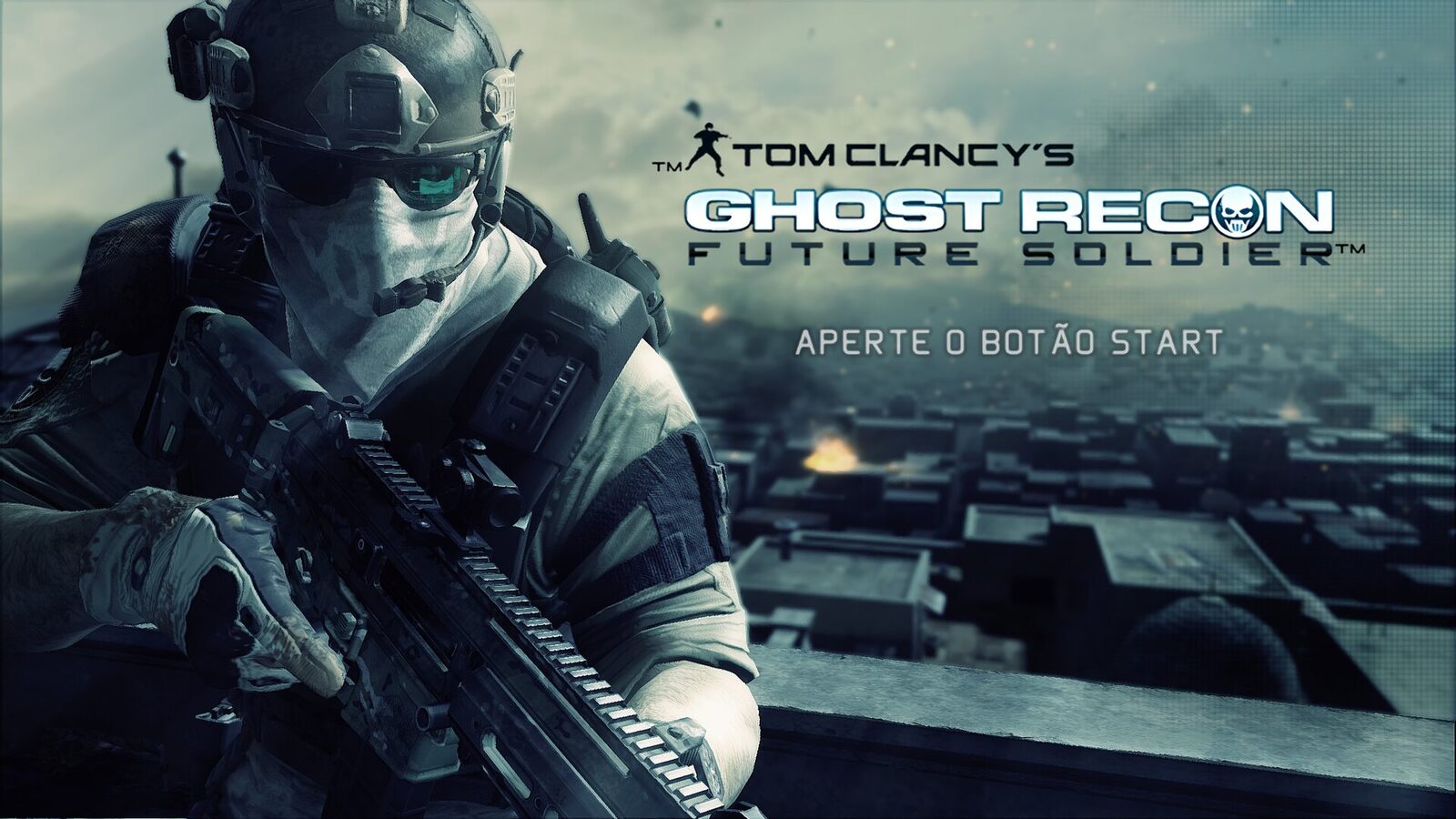
Community
Questions, bugs and matches
Join the Discord to get help, report problems and set up online matches.